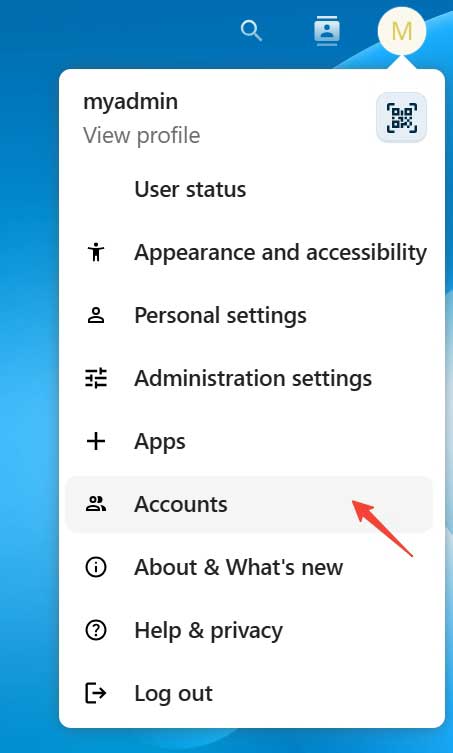
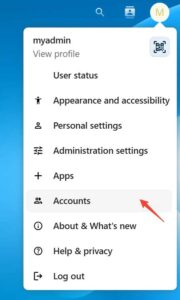
- Click profile icon which at top right, then click Accounts.
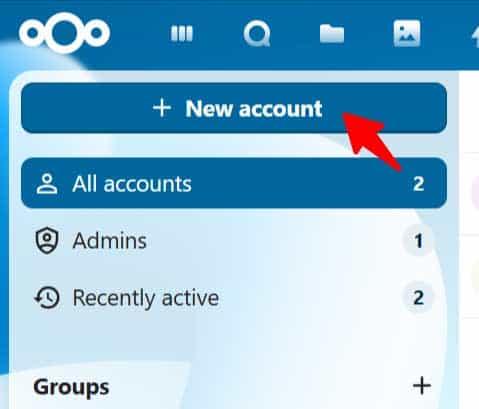
- Click + New account at left side menu.

- Account name, Password and Email was required for new account.

- Here you can set this user’s groups or Admin of groups. Click “Add new account” button to save record.

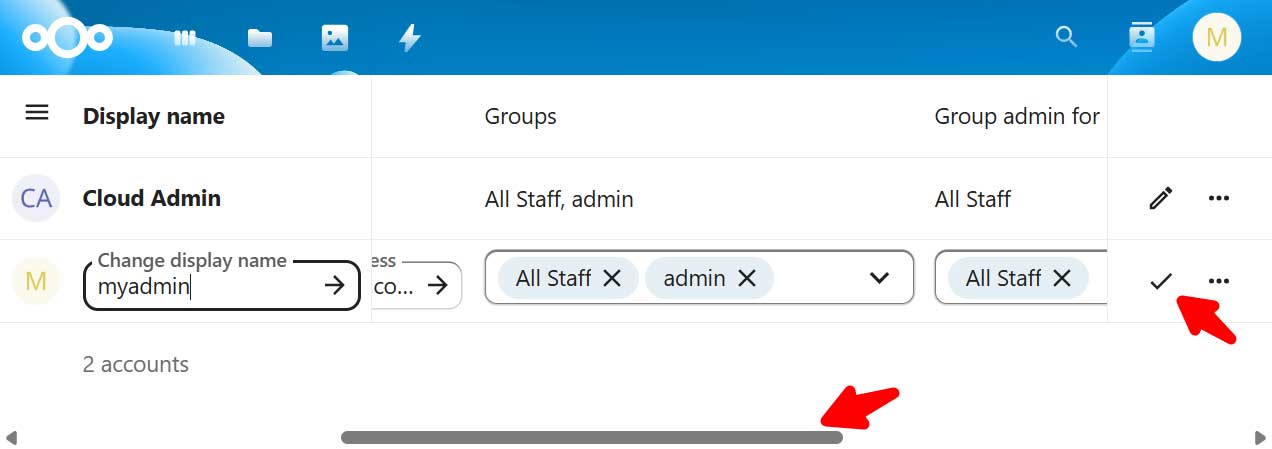
- To edit user, click edit icon for the user.
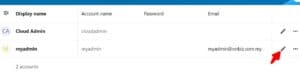
- Can scroll and edit all info of user and click Tick icon to save record.